
Richland County Name-Based Case Searches
The Wisconsin Court System case search sends the public to Wisconsin Circuit Court Access. That system is known as WCCA. Pick Richland County first. Then fill in the party fields. Last and first names find an individual, while Business Name sits in its own box. Middle name and date of birth narrow things down. Still, do not copy private details into your notes. And remember that a name match alone proves nothing about identity. Common names and records missing identifiers can flood you with results. Start narrow and widen only if you must. The simple WCCA form has checkboxes for records with a missing birth date or middle name. Those controls surface more matches, and more false ones too. Check the county, case type, filing date, party role, and activity. Compare each against the paper you started from.
- Open WCCA and select Richland County.
- Enter the last name, then add a first or middle name if known.
- Use Business Name for an organization party.
- Open a likely result and compare its public details with the case paper.
- Keep the case number, source, and access date, but omit private identifiers.
| Field | Control | Required | Use |
|---|---|---|---|
| County | Selector | For local search | Choose Richland County. |
| Business Name | Text | No | Searches an organization. |
| First, Middle, Last | Text | No | Narrows a person search. |
| Date of Birth | Date | No | Sensitive matching aid. |
| Missing identifiers | Checkbox | No | Broadens matching. |
Richland County Advanced Docket Filters
A common surname can bury the Richland County case you want in a page of matches. The WCCA advanced search fixes that. It lets you narrow results by case type and status. You can also filter by filing and disposition ranges, civil class code, attorney details, citation number, district-attorney number, offense dates, and issuing agency.
Each date filter answers a different question. A filing date marks when the court action began. A disposition date reflects later activity in the case. An offense date is something else entirely, so do not mix the three. If you search by issuing agency, you must pick a county first. Number ranges work by splitting a docket number into year, type, and a starting and ending sequence. Match the portal's exact labels rather than guessing codes. Remember, one narrow field often beats filling every box. The official WCCA advanced-search source lays out the party, status, date, and case-detail controls. You can add any of them to a docket search.
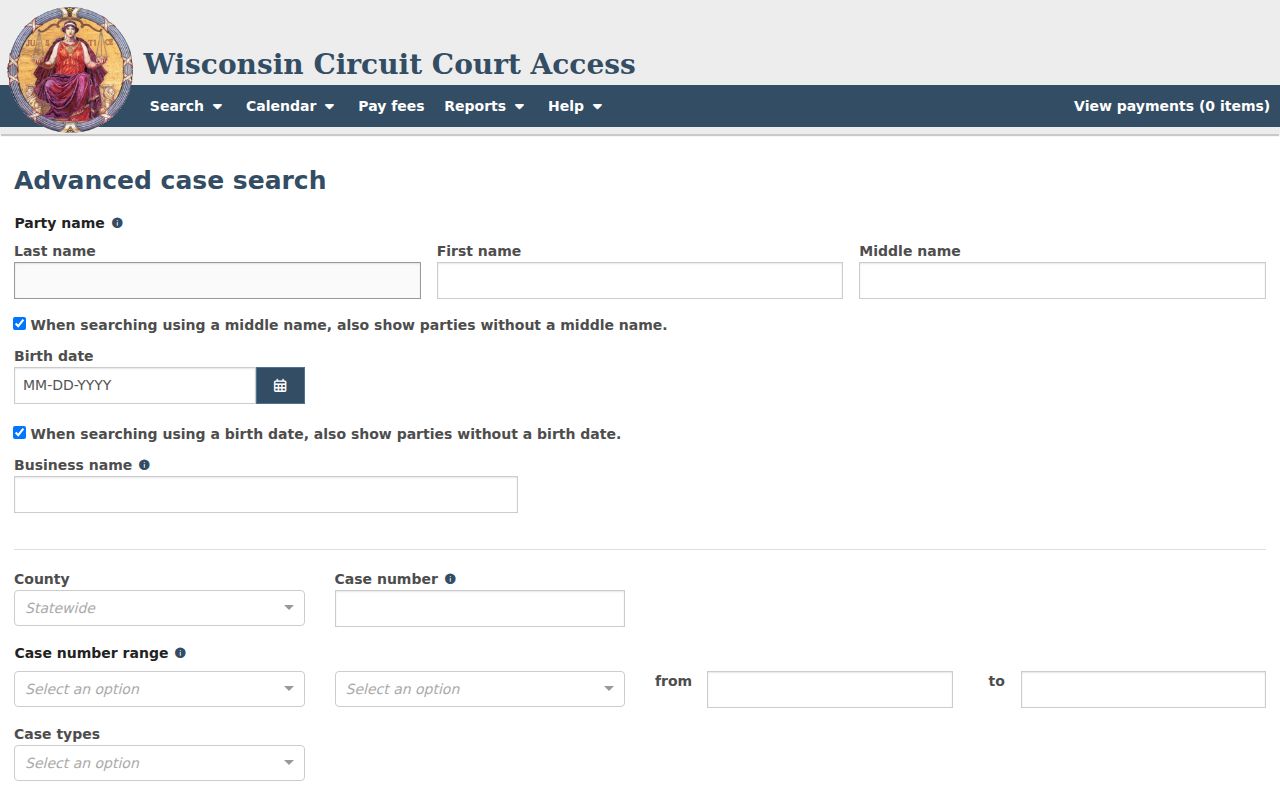
An advanced Richland County docket search earns its keep once a broad name query turns up too much. This view of the form shows the precise filters, from case type and status to filing range and other known details, that turn a flood of matches into the one case you need.
Richland County Case Number Searches
Wisconsin circuit numbers combine the filing year, a case-type code, and a sequence. Examples include 2024CF000123, 2024CV000123, 2024SC000123, and 2024CT000123. CF means criminal felony, CV civil, SC small claims, and CT criminal traffic. Other WCCA labels include CM for misdemeanor, FA for family, PR for probate, and TR for traffic. A code names a category only. It says nothing about the outcome. Type the number exactly as printed, and if it fails, check the county and each digit before switching methods. A municipal citation may carry no Richland County Circuit Court number at all, so it may never appear in WCCA unless routed or appealed to circuit court. The court named on the paper is the routing fact that matters.
Note: A case-type code does not establish guilt, liability, judgment, or the present status of a Richland County case.
When Richland County Search Finds Nothing
An empty result is not proof that no case exists. The file may be too new, confidential, sealed, juvenile, municipal, appellate, federal, or bankruptcy. Check your spelling, the case number, the county, and the case type again. Then confirm you are searching the right court. Lone Rock Municipal Court and Kickapoo River Municipal Court are separate local courts in the current directory, and their ordinance matters do not automatically show up in circuit docket results.
When a circuit file stays unclear, reach the Richland County Clerk of Circuit Court by phone, at the counter, or through a focused request. Give the case number if you have one, plus the case type, the record you want, a date range, and whether you need a regular or certified copy. Probate questions go to the Register in Probate. Appeals run through WSCCA, while federal matters use PACER and the Western District of Wisconsin.
Richland County Case Search Results Explained
Open a WCCA detail view and you may see the county, case number, case type, filing date, court official, and status. Party blocks name the roles: plaintiff, petitioner, defendant, respondent, or State. Public attorney details may appear too. Activity lists events in date order, which helps you tell a filing from a setting, an order, a judgment, a disposition, or something later.
Read the history as a sequence, not a verdict. A calendar entry means a hearing is scheduled, not decided. A disposition label needs context, and a disposed status does not settle every question about later financial or appellate activity. WCCA can confirm a filing exists without showing its image.
| Case header | Richland County, number, type, filing date, official, and status. |
|---|---|
| Party block | Public names by role and attorney details when displayed. |
| Activity | Dated filings, settings, orders, and outcomes. |
| Calendar | Date, time, official, setting, and appearance details when shown. |
| Documents | May identify a filing without public image access. |
| Financial fields | Changing data that may need clerk confirmation. |
Richland County Summary Versus File
What WCCA shows the public is a case summary with its activity history. That is not always the full Richland County file. Consolidated Court Automation Programs backs both WCCA and the public terminals at the courthouse, while Wisconsin Circuit Court eFiling exists for parties and attorneys who need to file and serve documents.
The difference matters. A casual docket lookup does not grant the same document access an eFiling participant has. To see the official interface itself, open the simple search source page.
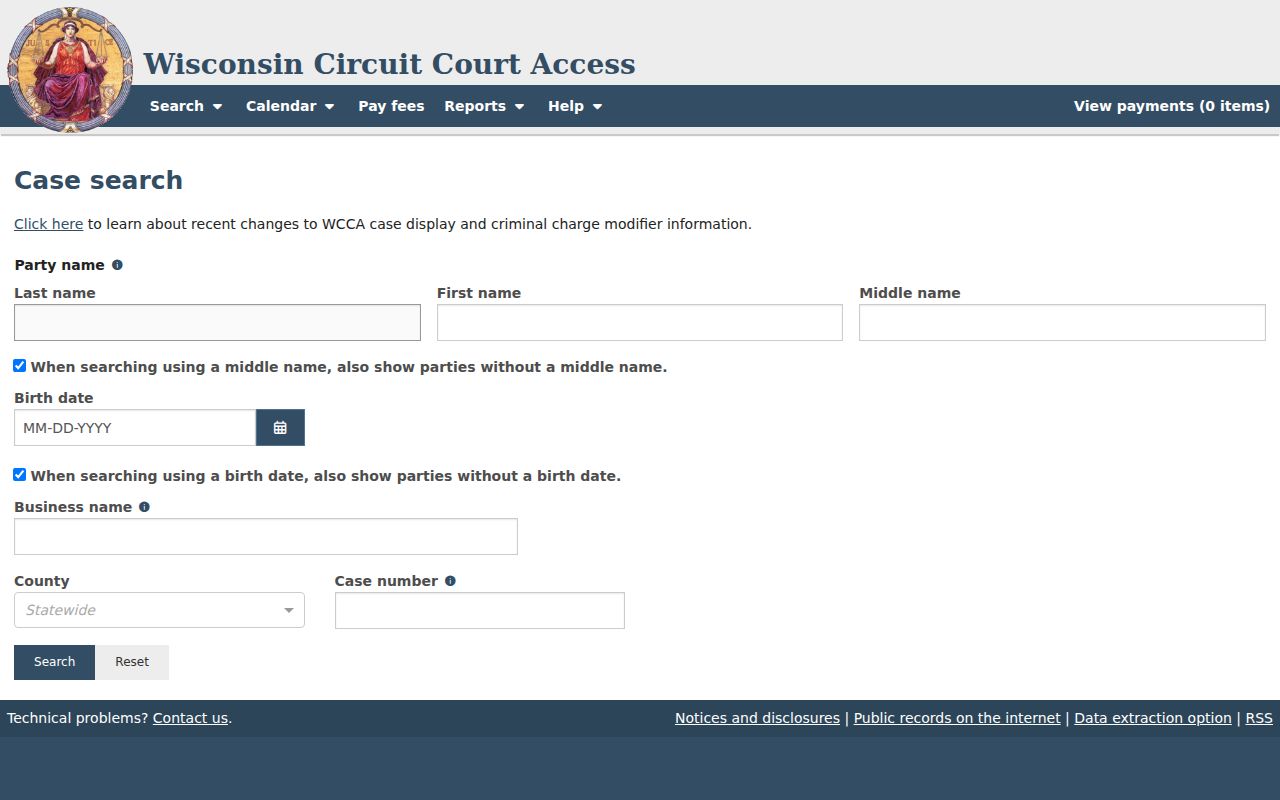
What the public gets is a case summary, not necessarily the complete Richland County file. It is a summary plus an activity history. Consolidated Court Automation Programs supports both WCCA and the courthouse public terminals. Wisconsin Circuit Court eFiling is a separate service. It handles filing and service for parties and attorneys. A WCCA visitor does not get the document access an eFiling participant has. The official interface appears at the simple search source.
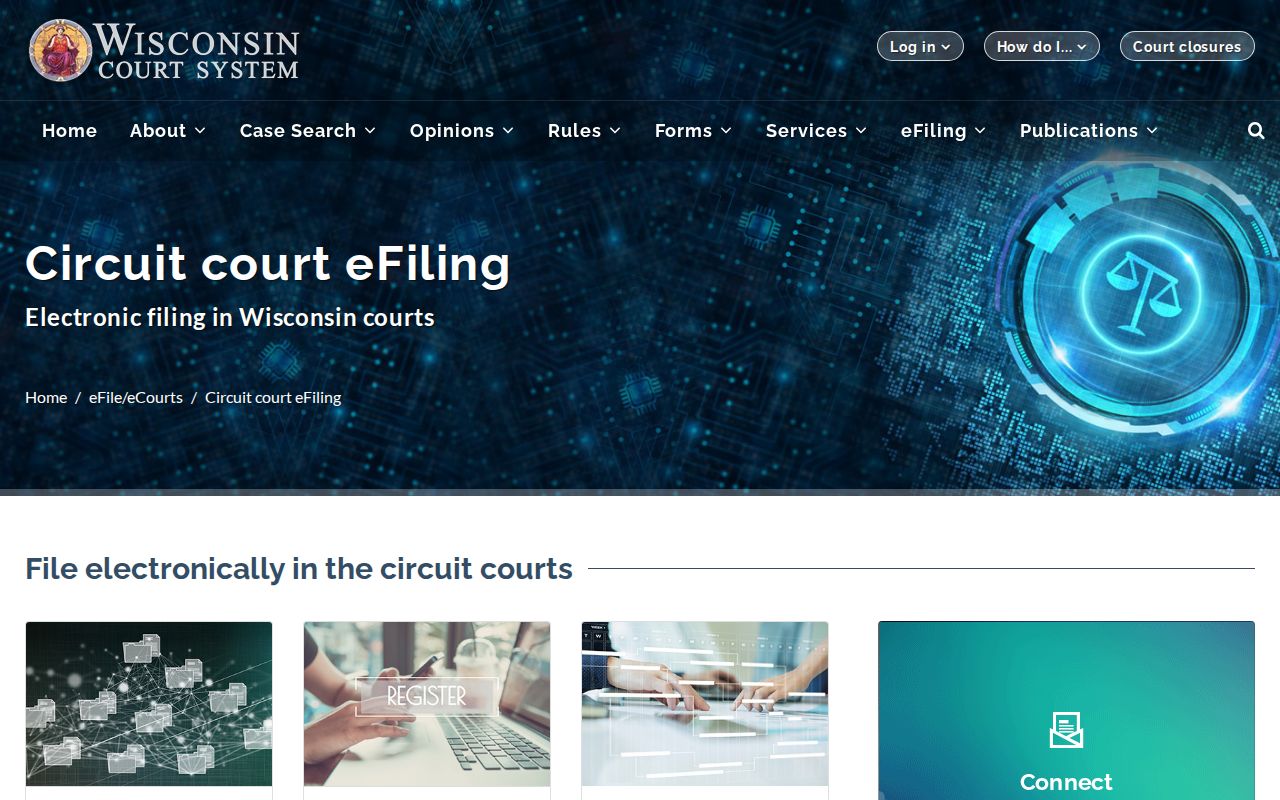
Filing and serving papers in a Richland County case is one thing. Reading its public WCCA summary is another. The separate Wisconsin electronic filing portal provides account access and the new-case route for filers.
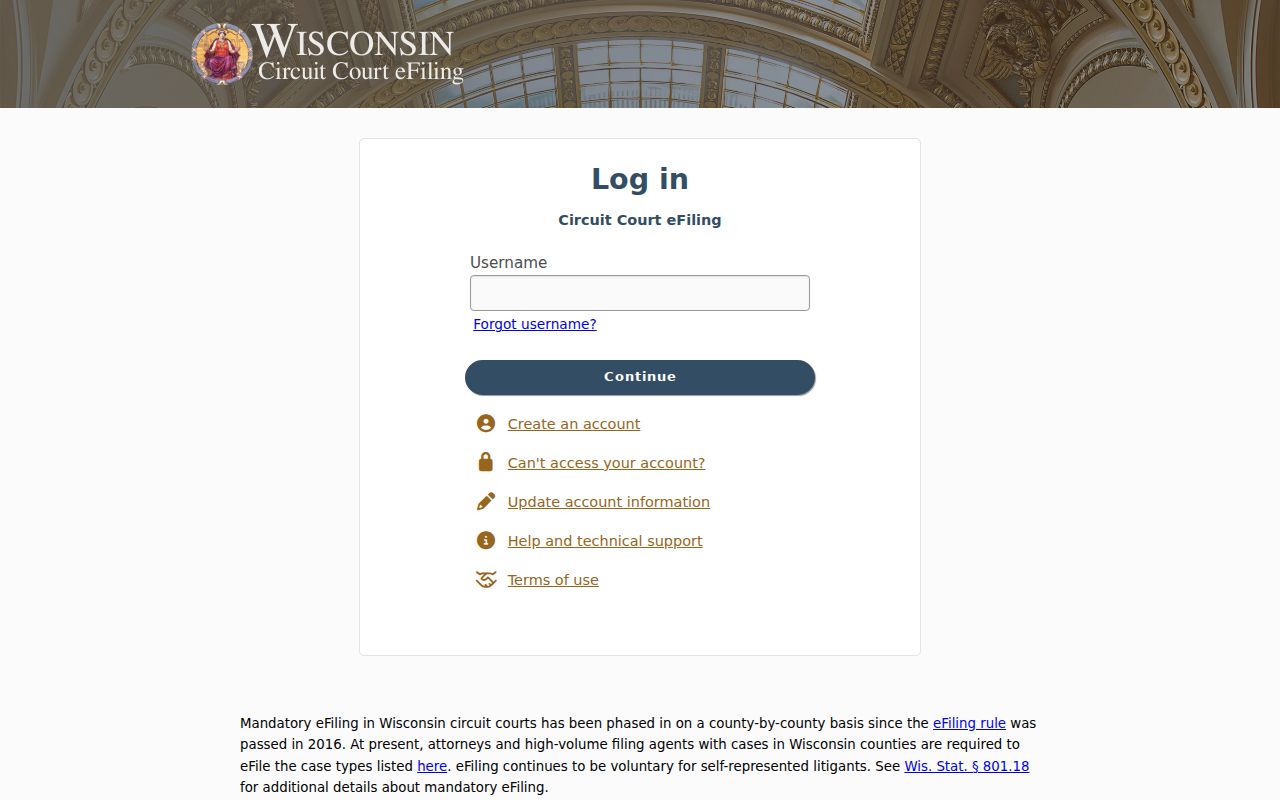
That portal view makes one thing clear. eFiling exists for lawyers and parties who file papers, not as a public route into a Richland County docket search. Wisconsin Courts separately publishes Circuit Court eFiling questions and answers, covering service, filing, and technical snags.
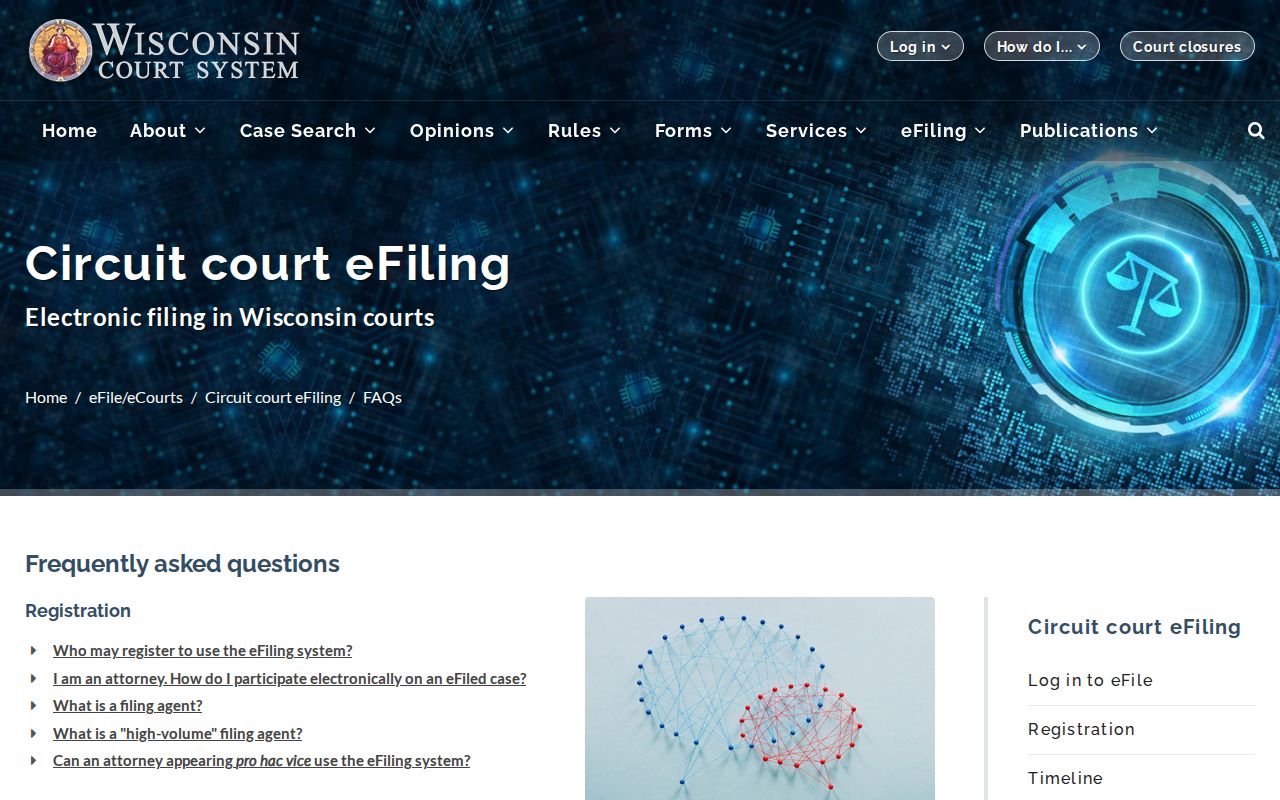
The takeaway is simple. Filing help covers submitting case papers, while questions about public records and certified copies still run through WCCA and the Richland County Clerk.
Two Richland County Search Layers
Richland County runs no separate public circuit portal beside WCCA. The statewide system is the county's online circuit search. That leaves a useful comparison: WCCA's online summary versus direct help from the local clerk. Both reach the same circuit court. They just serve different needs. WCCA finds a case fast and shows public activity, while the clerk handles documents, certification, terminal help, missing entries, mail requests, and access questions.
| Route | Best use | Boundary |
|---|---|---|
| WCCA | Name or number lookup | Not every document is online |
| Clerk by phone | Procedure or unclear detail | Not a formal copy request |
| Counter or terminal | Inspection and public access | Restrictions still apply |
| Mail or records request | Named regular or certified copy | Fees and time vary |
Do not expect a courthouse terminal to get around the same record restrictions. The clerk posts no county-specific indexing delay or fixed response deadline. So note the date of access. Confirm anything time-sensitive with the clerk's office.
To start a docket search yourself, use the WCCA search landing page. It loads without county or case details filled in. You enter those yourself.
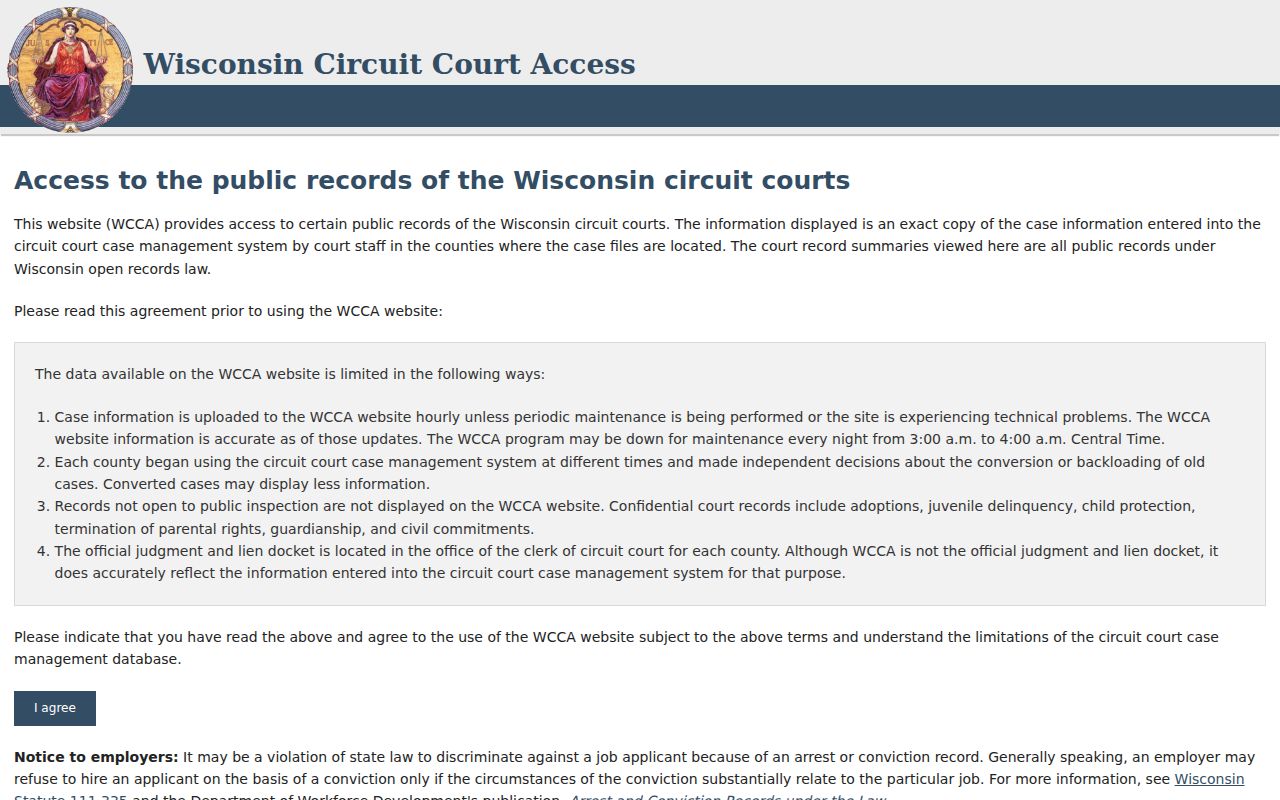
That blank starting state is the point. WCCA needs a county, case number, or party detail from you before it can pull a useful Richland County record.
Richland County Docket Code Vocabulary
Codes help sort search results, but the activity text carries the real meaning. Wisconsin sorts cases well beyond plain criminal and civil labels. Filing guidance spans contract, property damage, foreclosure, small claims, and restraining-order matters. Probate and family files are different. They carry their own classes and access limits.
- CF and CM
- Criminal felony and misdemeanor types.
- CV and SC
- Civil and small-claims types.
- FA, PR, and IN
- Family, probate, and informal probate.
- CT and TR
- Criminal traffic and traffic labels.
- Disposition
- An outcome or status entry read in context.
Keep the exact label in your notes. An old entry that still shows is not current activity, and an allegation is never a judgment.
Which Richland County Cases Stay Restricted
Public access in Richland County is broad, not unlimited. Juvenile proceedings, sealed matters, confidential filings, and protected identifiers may be hidden or redacted. Wisconsin guidance says limits can come from statute, court rule, or judicial order. A missing image sometimes reflects WCCA's own limits rather than a sealed case. Wis. Stat. §801.19 covers protected identifiers, and §§801.20 and 801.21 address confidential filings and sealing. The court redaction FAQ walks through those lines. Ask the clerk whether a public redacted version exists. Knowing a case number does not unlock restricted material.
Full document and copy routes appear under Richland County court case records.
Richland County Reproducible Search Notes
A case search is easier to verify when your note records only what it takes to find the result again. That is the whole test. Write down the Richland County name, case type, case number, activity date, portal label, source, and access date. Skip anything protected, such as a birth date, address, account number, or driver's-license number.
Dockets change. A filing, reset, disposition, payment, or appeal can shift what WCCA shows after you look. A dated note captures what the docket displayed that day. Confirm any current balance, warrant, custody state, or order status with the Richland County Clerk instead of inferring it from an older entry. For big-picture numbers rather than a named case, the Wisconsin Court System publishes historical circuit-court statistics controls.
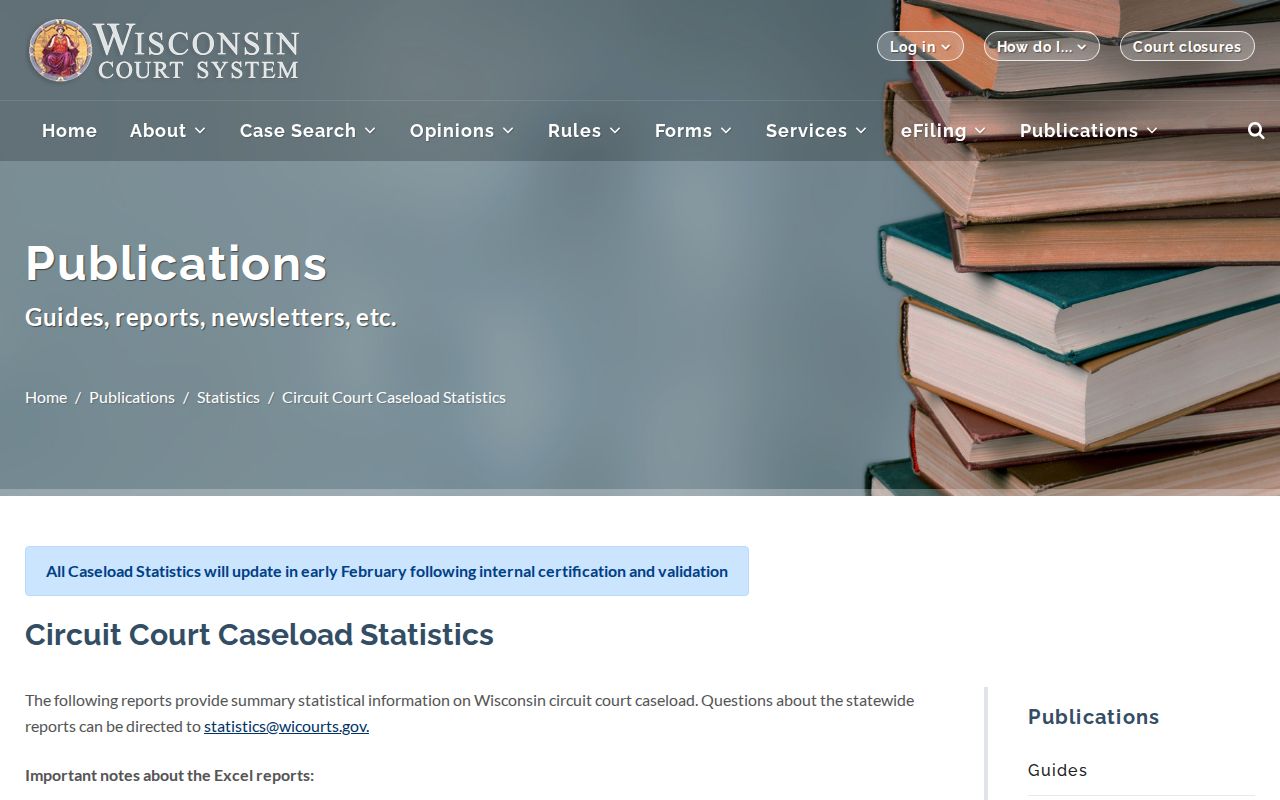
Those report controls suit county-level historical research. They cannot replace a Richland County docket search when you need the events or documents from one case.